
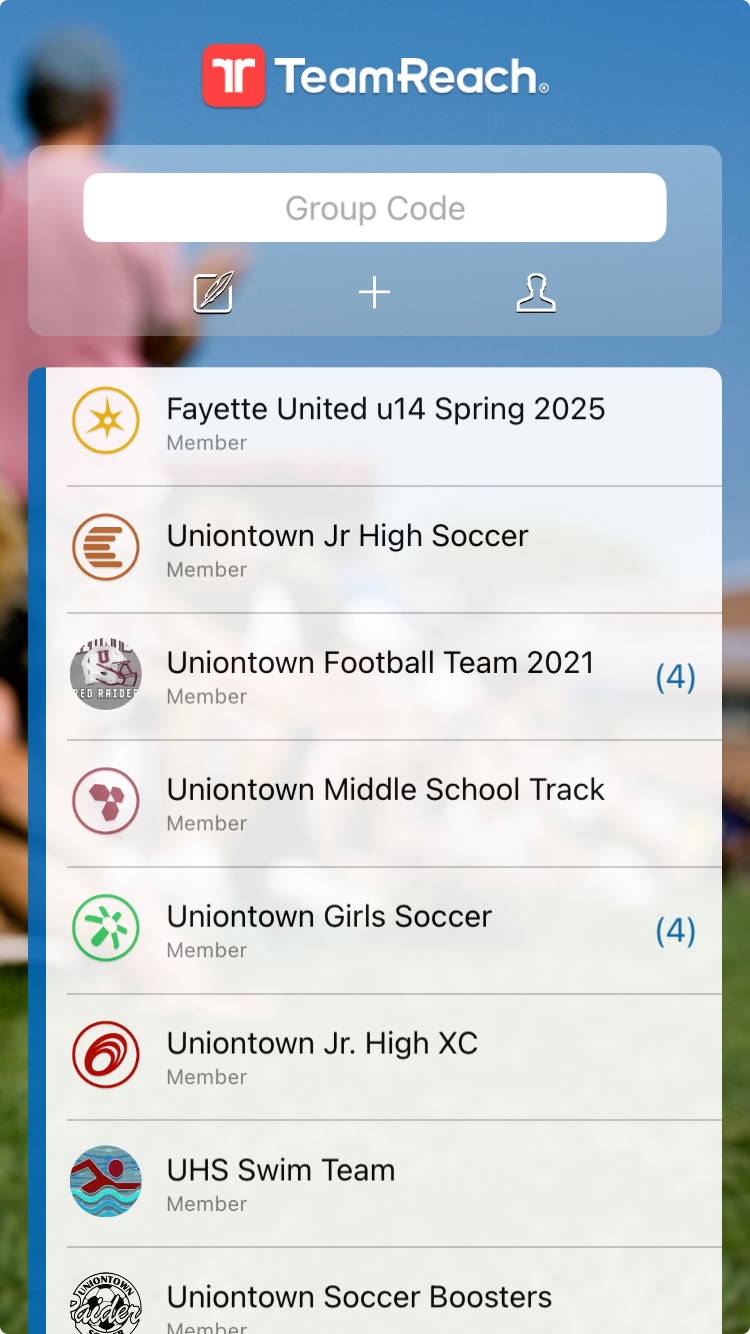
As the father of six kids, I know chaos. So, I love the fact that we are able to communicate with each other in a group setting these days, especially with our children’s activities. In today’s fast-paced digital world, messaging apps and text groups have become essential tools for team management and coordination. This makes it better than when I grew up. I remember showing up to cancelled games, missing important practices, and because of lack of communication missed out on some great activities and events. Although the new age is great, be careful for what you wish.
There is a downside to this modern marvel, yesterday my phone pinged, buzzed and stood on its head. It was like I had a wasps nest in my pocket. Once I got to look at it, there were 96 messages(Yes 96!) that I had missed in group chats and messaging apps. Yes, I know I could turn off notifications, and I do, but I still had to spend a lot of time navigating what was relevant. Right now the two middle school kids are involved in 4 sports total, so we get and need the some of the messages. In evaluating these 96 messages, I found that less than 15% were relevant to me. In frustration and because of my helpful nature, I wrote an outline of how we should approach group messaging to make it less cumbersome for all involved.
Whether you’re organizing a sports team, managing a project, or coordinating family events, these platforms offer a convenient way to keep everyone informed and engaged. However, without proper etiquette, these communication tools can quickly become overwhelming, leading to notification fatigue and decreased productivity. I have personally missed meetings and Here are some essential guidelines to ensure that your group chats remain effective and enjoyable for all members.
1. Set Clear Expectations and Guidelines
If you are a coach or parent setting up group chat or managing team communication, set clear expectations and guidelines for communication. Establish norms for when and how to respond, what types of messages are appropriate, and how to handle off-topic conversations. Clear guidelines help all members understand how to use the chat effectively and respectfully. When coaching my college teams, I had clear guidelines. Text app for concrete information such as practice or bus times, dm for personal stuff like missing practice. A message about missing practice in a group chat, I think portrays a negative feel. So setting guidelines is like a pre-game pep talk and everyone wins.
2. Respond Only When Necessary
One of the primary reasons group chats become cumbersome is the sheer volume of unnecessary messages. For example, if a coach asks, “Who can’t make it to the game?” only those who cannot attend should respond. There’s no need for those who are attending to chime in with “I’ll be there” or “Count me in.” This practice minimizes the number of notifications and keeps the conversation focused.
3. Use Direct Messaging for Personal Conversations
Group chats are not the place for personal conversations or side discussions. If you need to ask a specific question to a team member or discuss something unrelated to the group topic, use direct messaging. This approach keeps the group chat relevant and free from clutter, ensuring that important information isn’t buried under unrelated discussions. Sharing your jello salad recipe is definitely for a private conversation.
4. Keep Messages Concise and Relevant
When posting in a group chat, make sure your message is concise and relevant to the entire group. Avoid long-winded explanations or off-topic comments. Most of us don’t really want to know that your son is going to Florida on vacation in the middle of the school year, with his girlfriend’s family, so he can’t make the game. It is unnecessary, and way too much info, and people are going to judge… If a message requires a detailed explanation, consider summarizing the key points and offering to provide more information via direct message or a separate document.
5. Use Reactions Instead of Replies
Many messaging apps offer reaction features such as thumbs up, hearts, or other emojis. If you agree with a message or want to acknowledge it without adding to the notification count, use a reaction instead of replying. This feature is particularly useful for simple confirmations or acknowledgments. This also helps with the person who always has to have the last word and keeps the chat going, and going.
6. Leverage Threaded Conversations
If your messaging app supports threaded conversations, use them to keep discussions organized. Threads allow members to reply to specific messages without disrupting the main chat flow. This feature is especially helpful for discussing multiple topics simultaneously without causing confusion.
7. Mute Notifications When Necessary
Encourage group members to mute notifications during times when they cannot respond or do not need to be immediately alerted to every message. This practice can help reduce the stress associated with constant notifications and allow members to focus on their tasks. This is a skill that I need to master, so my pocket doesn’t feel like a popcorn popper.
8. Schedule Messages Wisely
Be mindful of the timing of your messages. Avoid sending non-urgent messages late at night or early in the morning. If your messaging app allows it, schedule messages to be sent at a more appropriate time when members are more likely to be available and responsive. People will look at you differently if you send a 5 am message, like the one I got at 4:17am this past week.
9. Regularly Clean Up the Chat
Periodically review and clean up the chat to remove outdated or irrelevant messages. This maintenance helps keep the chat streamlined and ensures that important information is easily accessible. Some apps offer archiving features that can help manage old messages without permanently deleting them.
10. Use Polls for Quick Decisions
For decisions that require input from all members, use the polling feature if your app has one. Polls provide a quick and efficient way to gather opinions or make decisions without generating a flood of individual responses. As a bonus, it also makes the person in charge look efficient and organized.
Effective communication in group chats and team management messaging apps requires a balance of responsiveness and restraint. By following these etiquette guidelines, you can ensure that your group chats remain a productive and enjoyable tool for all members and no one will head to the funny farm. Keep messages relevant, use direct messaging for private conversations, and leverage app features like reactions and threads to maintain a streamlined and efficient communication flow. By doing so, you’ll help prevent notification fatigue and foster a more collaborative and focused group environment.
 The Trophy Husband
Leave a comment